Be everywhere your buyers are paying attention.
AlwaysNoticed keeps your professional presence active around the people and conversations that matter — helping turn visibility into followers, conversations, and business opportunities.
Commenting first. Posting, connection requests and Sales Navigator are built and on the roadmap, not sold today.
One night on one account
Illustrative, shaped by the founder account's August pattern: about 35 comments, 40 likes, an 85-minute session. Your dashboard shows the real thing, timestamped.
- Opens the feed and reads. Tonight's persona is balanced.
- Scrolls, idles, dismisses two off-topic cards.
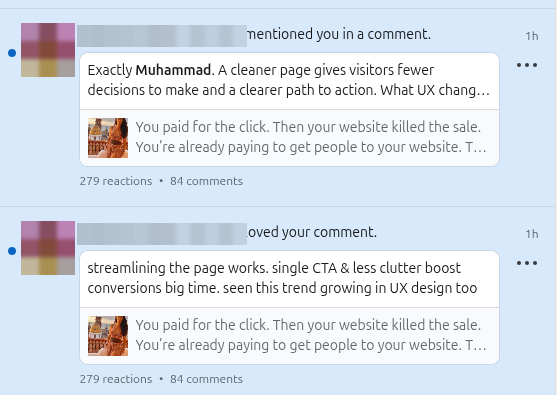
- Comments on a post from one of your target profiles, then follows the author.
- Likes a post it can see. Roughly one like per comment.
- You open LinkedIn. It stands down mid-session and waits.
- Still yours. Re-checks every few minutes; does nothing meanwhile.
- You have gone. Picks up where it stopped.
- Skips a post it already commented on in July.
- Opens your own analytics and records what LinkedIn measured.
- Reaches tonight's per-account limit and closes the session.
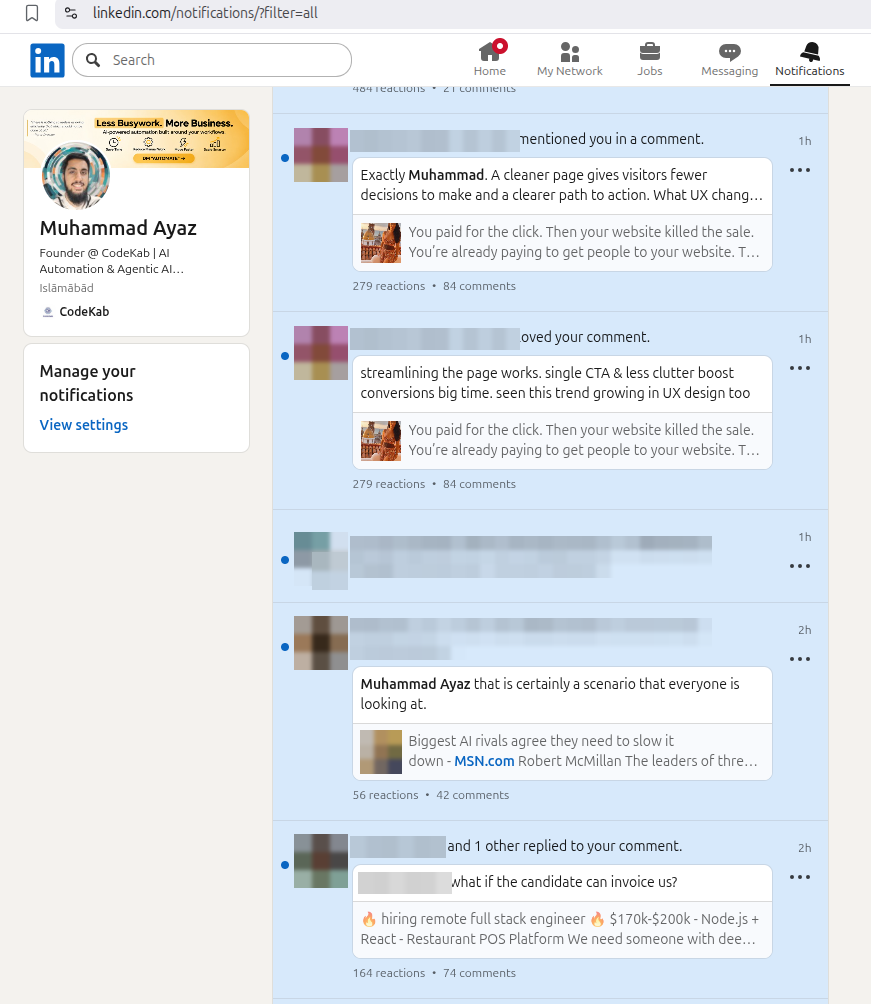
34 comments, 39 likes, 2h 25m, one dedicated IP, one browser identity. Every line above lands in your activity log with the post it went on and whether it worked.
The work is not hard. Doing it every day is.
LinkedIn rewards people who show up in the right conversations, consistently, with something worth reading. That means finding the relevant posts, being early, and writing a comment that sounds like a person — thirty or forty times, tonight, and again tomorrow.
Most professionals manage it for three weeks. Agencies feel it multiplied: the same repetitive work across every client account, each one needing its own targets, its own voice, and its own login. So it gets handed to a virtual assistant at $300–$600 a month per account, who needs briefing, needs managing, and takes holidays — or it quietly stops happening.
AlwaysNoticed does that shift. It uses LinkedIn the way you do: from your own IP, in your own feed, and it steps aside the moment you log in.
What it actually does
Eight things, all of them running today. Nothing below is roadmap.
It engages like you
- A session, not a scheduler
- Every night it picks a persona — lurker, balanced, engager, power engager — and mixes scrolling, idling, liking, opening posts, browsing profiles and reading its own stats. No two nights look alike, and roughly one night in seven it only reads.
- Your real feed, and it trains it
- It reads your own home feed, scores posts on reactions, age and relevance, and dismisses off-topic cards so the feed gets better for you too. Target lists are worked through the feed, never by jumping to a URL. It never comments twice on the same post.
Isolated by design
- One dedicated IP per account
- Your account never shares an exit IP with anyone else's, and it never moves country between nights. A problem on one account cannot reach another. Each account also gets its own persistent browser identity.
- No password, and no credential in our database
- You connect in one click with a browser extension that hands the session to your dashboard. The session credential is encrypted on a private volume; the database holds none of it. We never ask for your LinkedIn password.
It reports LinkedIn's numbers
- Followers, views, impressions, audience
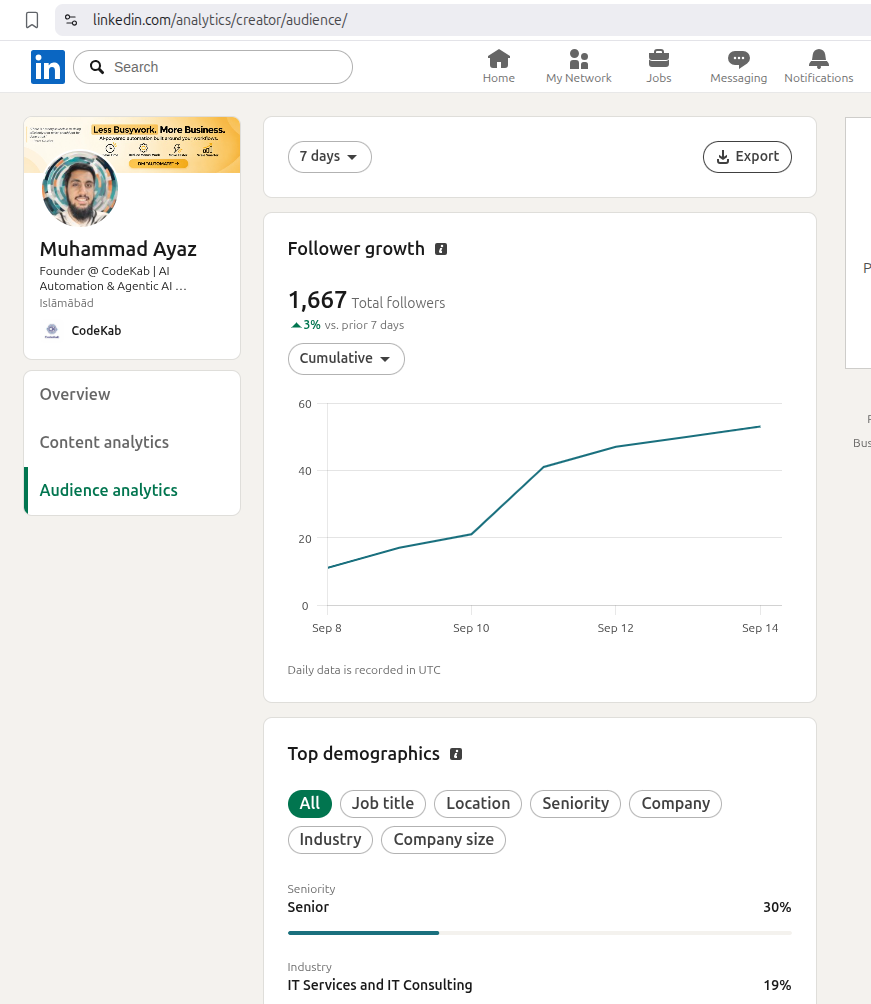
- Taken from your own LinkedIn analytics export, inside the normal session, every second night. These are LinkedIn's measurements, not ours, grouped so your posts' reach and the engagement done on other people's posts are never confused.
- Every action, with its outcome
- Each comment and like, the post it went on, whether it succeeded, the persona, the session length — and when a night fails, what stopped it. Nothing is summarised away.
Built for agencies
- A login per client, and nothing leaks sideways
- Each client sees only their own account, activity and analytics. Two people inside the same agency cannot see or act on each other's LinkedIn account — that boundary is covered by 363 automated policy checks, not by an assurance.
- Pause now, or after tonight
- Stop an account mid-session, or let tonight finish and stop after it. Only a person can start it again. Clients request an automation; you approve it only once the connection and the account's own IP are ready.
When you log in, it stops.
Two sessions active on one LinkedIn account at the same time is on LinkedIn's own list of reasons for restricting an account. So AlwaysNoticed watches for you: it checks whether you are on the account every few actions, and every couple of minutes while it is waiting.
The moment it sees you, it stands down mid-session — no comment half-written, nothing racing you for the page. When you leave, it resumes where it stopped, or ends the night if there is not enough of it left. Your activity log only ever contains actions it took, so it can tell the difference between you and itself.
- You open LinkedIn — stands down
- waiting
- waiting
- waiting
- You have gone — resumes
Four months on a real account
The founder's own LinkedIn account, running the same system we sell. One account, so n=1 — read it as evidence, not as a projection.
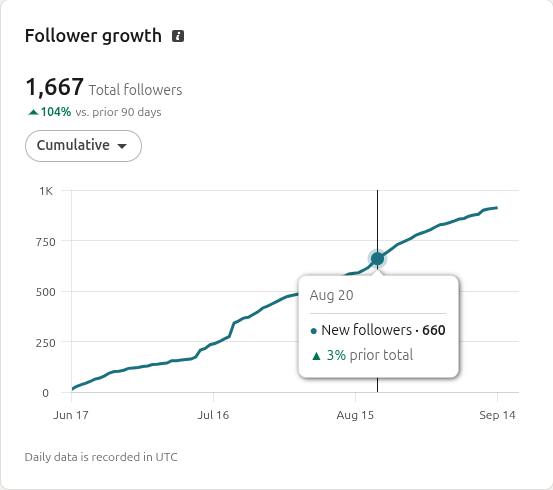
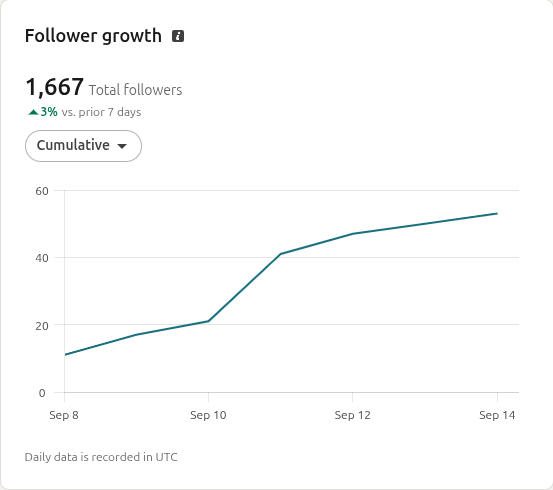
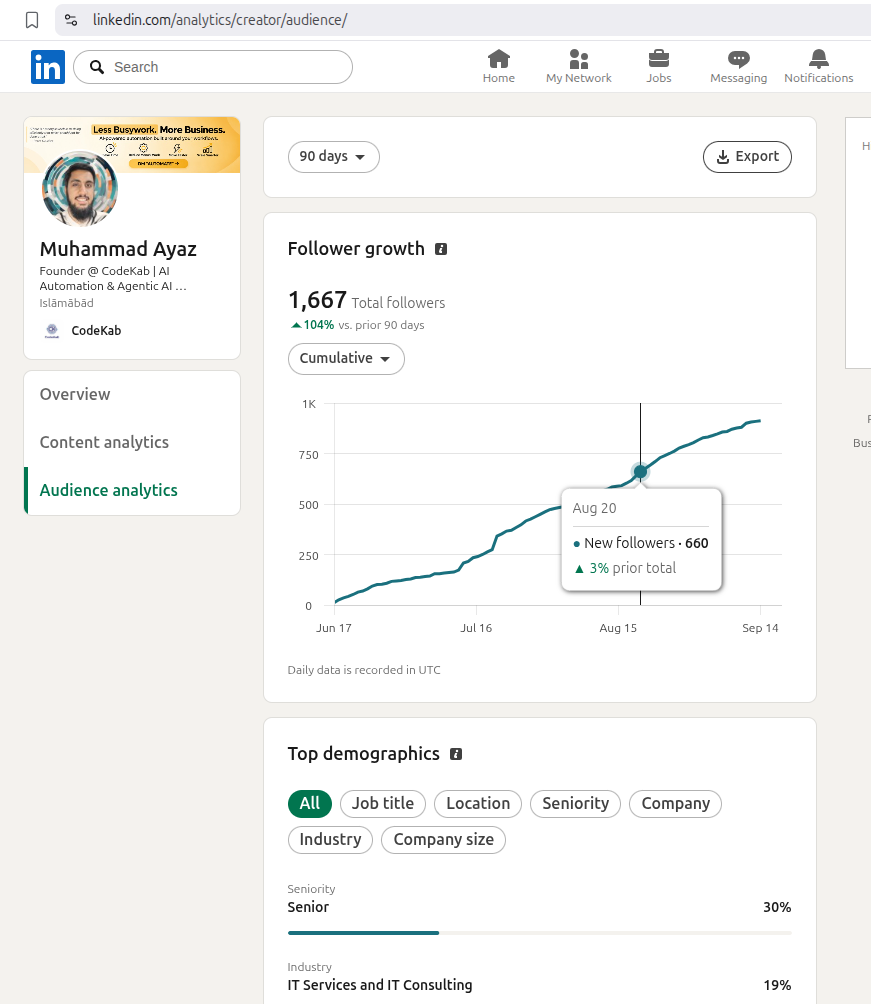
Followers at the start of each month. April is the last pre-automation reading; the six months before it added about 12 followers a month. Monthly change since: +54, +104, +202, +351, +324.
Figures come from LinkedIn's own analytics and from the account's activity log, without claiming all growth was caused solely by automation. The account also posted, replied and did business during this period, as its owner would have anyway.
The three ways this job gets done
Compare us to the person you would otherwise pay, not to the cheapest extension in the category.
The table scrolls sideways on a narrow screen.
| Approach | AlwaysNoticed | A $39 extension | A virtual assistant |
|---|---|---|---|
| Monthly cost per account | $79–$99 | $29–$99 | $300–$600, plus your time briefing them |
| Where it runs from | A dedicated IP and browser identity for that account alone | Shared cloud infrastructure, or the operator's own browser | Their own device, wherever they are |
| When you are on LinkedIn | Stands down and waits | Carries on | You coordinate by message |
| What it does besides comment | Scrolls, idles, likes, opens posts, browses profiles, dismisses off-topic cards, follows targets | Posts comments on a schedule | Whatever you briefed, on a good day |
| What you get back | LinkedIn's own analytics in a dashboard, plus every action and its outcome | A count of comments made | Screenshots, if you ask |
| Client access | A login per client, request and approve, pause now or after tonight | One operator account | None |
| Separation between clients | Per-account IP, per-account browser, 363 automated policy checks | Usually shared | One person, all your clients |
| Consistency | Every night, paced, within per-account limits | Every night, on a schedule | Weekdays, minus holidays and sick days |
Extension and assistant columns describe the category as it was priced and advertised in September 2026, not any one named product.
Founding pricing
The founding cohort keeps this price for as long as they stay. List price moves once there is proof beyond our own account.
Solo
One LinkedIn account. Target lists, commenting, per-account limits, activity log and LinkedIn's analytics in your dashboard.
Agency
minimum 3 accounts
Everything in Solo for every client, plus a client login each, request and approve, pause controls, and per-account isolation. $59 per account above ten.
Target list, built for you
Optional. We research the 50 to 100 named people your buyers already follow and load them as your targets. The one part of setup that takes real work, priced as work.
Custom automation
A LinkedIn workflow that is specific to your business, built and run on the same isolated infrastructure.
Billed monthly, cancel whenever you like. Every account needs its own dedicated IP, which is included in the price above. Founding customers get a 30-minute onboarding call at no charge.
Questions worth asking before you connect a client's account
Is this against LinkedIn's terms?
LinkedIn's User Agreement prohibits using bots or other automated methods to drive activity on the platform. AlwaysNoticed automates activity on your account, so read that clause — section 8.2 — and decide with your own advisers before you connect an account you care about.
We will not tell you otherwise, and we are not affiliated with LinkedIn. Our full position is on the risk page.
Will my account get restricted?
We cannot rule it out, and nobody in this category honestly can. LinkedIn may restrict any account at any time, and using any third-party automation raises that possibility rather than removing it.
What we do about it: one dedicated IP per account that does not move between nights, hard per-account daily limits, paced human-shaped sessions rather than bursts, standing down when you are on the account, and full isolation between accounts. That reduces exposure. It does not eliminate it, and you should assume some risk remains for as long as the service runs.
Can I review comments before they post?
Yes. Each account runs in one of two modes. In auto mode comments post during the night's session and appear in your activity log minutes later. In review mode the session drafts the comment and saves the post; you approve, edit or reject each draft in the dashboard, and the approved text is posted on a later night. Drafts expire after 72 hours.
A review queue for comments — approve or auto, per account — is the next thing we are building. Approve-before-publish already exists for posts, which are not on sale yet.
Do you need my password?
No. You connect with a one-click browser extension that hands your existing LinkedIn session to your dashboard. The session credential is encrypted on a private volume, never written to our database, and never logged. We never ask for a password, and you should not send us one.
What happens when I'm using LinkedIn myself?
It stands down. Presence is re-checked every few actions during a session and every couple of minutes while it is waiting; when it sees you on the account it stops mid-session, waits, and then either resumes or ends the night. You never have to tell it you are online.
How much does it do in a night?
Per account, up to 30 comments from the feed and 18 on your target list per day, and lower if you set it lower. In practice the founder account averages about 35 comments and 40 likes across an 85-minute session, and roughly one night in seven it only reads the feed.
How does it work across a whole agency?
Each client account is separate at every layer: its own dedicated IP, its own browser identity, its own encrypted session, its own limits and targets. Two people inside your agency cannot act on each other's accounts. Clients get a login that shows only their own activity and analytics, and can request an automation that you approve.
What if I want to stop?
Pause an account immediately, or let tonight finish and stop after it. Only a person can start it again — nothing resumes on its own. Ask us to delete your data and we delete it, including the encrypted session credential.
Start with one account and watch the log.
Tell us who you want to be visible around. We will set up the targets, the voice rules and the account's own IP, and you will see the first night's activity the next morning.